The best free singing app for iPhone
On iPhone almost every singing app is free to download, which tells you nothing — what matters is where the wall sits. And the thing most likely to ruin your pitch scores is not the app at all. It is AirPods. Both are covered below, along with what each App Store listing actually gives you for nothing.
The short answer
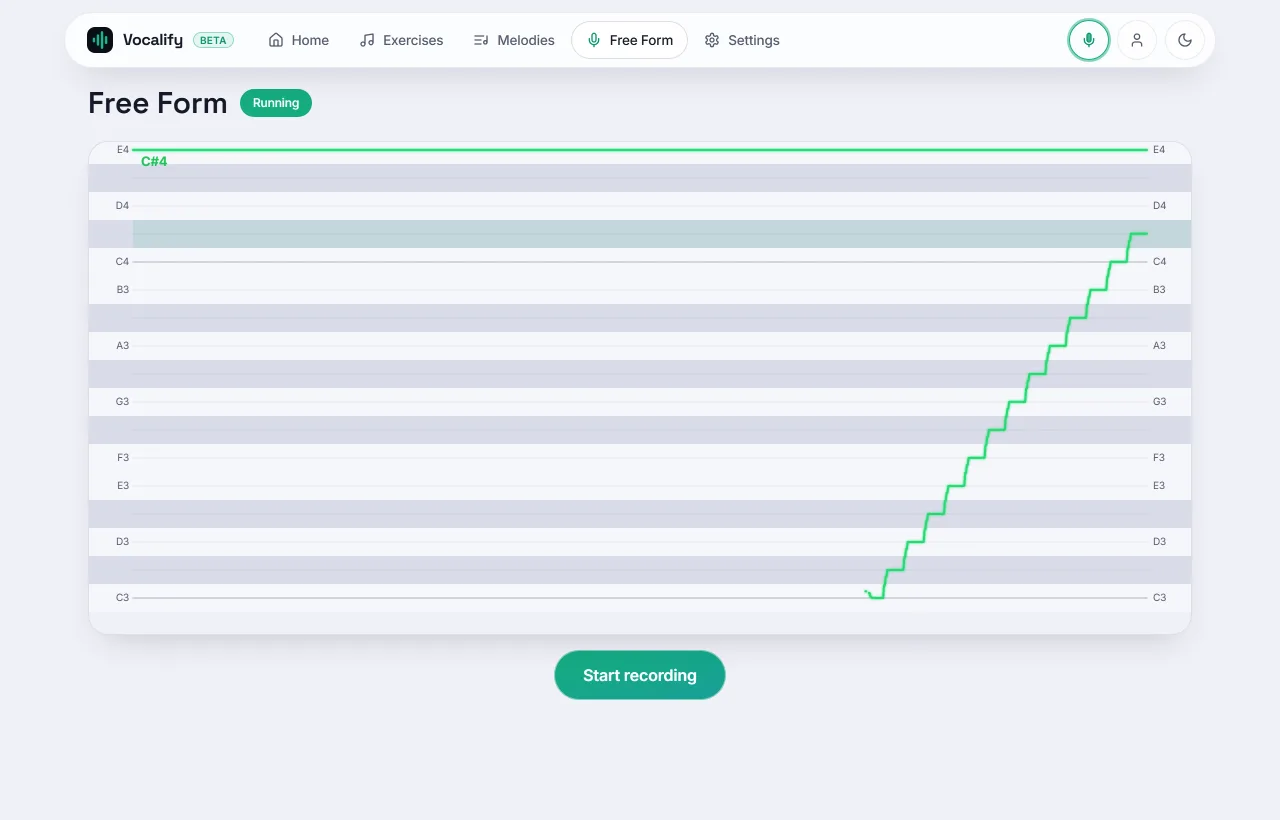
We make Vocalify, so weigh this accordingly. The quickest free route on iPhone is a browser trainer: open Vocalify in Safari, allow the microphone once, and you have scored pitch practice with no App Store trip and no account. From the App Store, Yousician is the most polished course, Sing Sharp has a freemium exercise course with a range test, and Erol Singer's Studio is the most serious exercise library — but the free tiers are limited and Erol sells its lessons after a free download.
What is different on iPhone
Every listing here was checked against the US App Store on 11 November 2026.
- Erol Singer's Studio is iOS and macOS only (last updated 27 Oct 2026) — one of the few things iPhone has and Android does not.
- Sing Sharp is on the App Store too (last updated 31 Aug 2026), despite the many roundups — ours included, until November — that call it Android-only.
- Vocalify has no iPhone app. On iOS it runs in Safari, which for a pitch trainer is not a compromise: the analysis runs on the phone either way.
- The free live pitch monitor worth installing on Android, Vocal Pitch Monitor, is a Google Play app. On iPhone the no-install equivalent is a browser vocal tuner.
AirPods are the reason your feedback looks late
This is the single most common iPhone-specific problem, and it looks like an app bug when it is not one. Bluetooth audio has real output latency — typically a good fraction of a second between the app deciding to play a note and you hearing it. Every pitch trainer draws your voice against a timeline. If the timeline does not know about that delay, everything you sing arrives looking late, and a trainer that scores note by note will mark correct notes wrong.
Three ways out, best first:
- Wired earphones. Latency small enough to ignore. This is what to use if you care about the numbers.
- Measure the delay and let the app compensate. Tools that offer a latency calibration — tap along to a click, and the offset is stored — will realign the scoring. Vocalify freezes the measured value with each take so a recording still replays in sync months later, on a different device.
- Speakers. Works, but now the microphone hears the app's reference tone as well as your voice, which can inflate your score. The least bad option, not a good one.
Safari, the microphone and the silent switch
A browser tool on iPhone is not second-class, but iOS has three behaviours worth knowing:
- The mic prompt needs a tap. Safari will not grant microphone access without a direct user gesture, so any page that starts listening must have a button you press. That is a security feature, not a broken page.
- Permission is per site, and it is remembered. If you tapped "Don't Allow" once, the prompt will not come back on its own — clear it in Settings → Safari → Microphone, or in the address-bar site settings.
- Add to Home Screen works. Share → Add to Home Screen gives a full-screen icon with no address bar. It is the closest thing to installing, with no App Store account and nothing to update.
The audio never leaves the phone in a browser trainer that analyses locally, which is a genuine privacy difference from a native app that uploads takes for scoring.
What "free" means on the App Store
The App Store lists almost everything in this category as free to download. What separates them is where the wall sits:
- Free download, paid content library — Erol Singer's Studio. The app is real; the lessons are the purchase.
- Free tier, then a subscription — Yousician (a one-instrument plan or the all-instrument Premium+) and Sing Sharp. Polished and structured, and the full course is paid.
- Free tier, paid song catalogue — Simply Sing, Riyaz. Good if singing along to real songs is the goal. See free apps like Simply Sing.
- Pitch feedback not metered — browser tools, because there is no catalogue to license and nothing to meter.
The feature to check before any other is whether feedback is metered. An app that limits songs is annoying; an app that limits how many times a day it will tell you whether you were flat is not a practice tool.
FAQ
What is the best free app to learn singing on iPhone?
For unmetered scored practice, a browser trainer in Safari — no App Store trip, no account, and the audio stays on the phone. From the App Store, Yousician is the best structured course if you accept a limited free tier.
Is there a free singing app for iPhone with no subscription?
Browser tools, yes. Native iPhone apps in this category are almost all freemium or subscription. Singing apps without a subscription has the checked list.
Why does my pitch feedback lag on iPhone?
Almost always Bluetooth. AirPods and other wireless earphones add output delay, so the app plays a note later than it thinks. Switch to wired earphones, or use an app that lets you measure and compensate the latency.
Can I use a singing app on iPhone without installing anything?
Yes. Safari grants microphone access after one tap, and Share → Add to Home Screen gives you a full-screen icon. See a free singing app with no sign-up.
Try it on your iPhone now
Open it in Safari, tap to allow the microphone, and sing one note. No install, no account, no card.
Open Vocalify